Lunch Picker
Spin to Decide. Or Let AI Pick.
Stuck on "what should I eat for lunch"? Spin the wheel for an instant answer - or answer a few quick questions and our AI picks a lunch that fits your cravings, setting, budget, and diet.
Lunch breaks are short - you shouldn't waste half of them scrolling through delivery apps. Our Lunch Picker gives you two fast paths: spin the wheel for a random pick in 4 seconds, or answer a few quick questions and let the AI find a dish that fits your craving, where you're eating, budget, and diet. Both options come with a recipe card and a way to order the dish near you - so you go from "what should I eat?" to actually eating, with zero decision fatigue.
Lunch Made Easy
Office Worker
Quick, portable lunch ideas for your desk
Student
Budget-friendly campus favorites
Work From Home
Easy home cooking ideas from what's in your fridge
Lunch Roulette
Let the AI surprise you when you can't decide
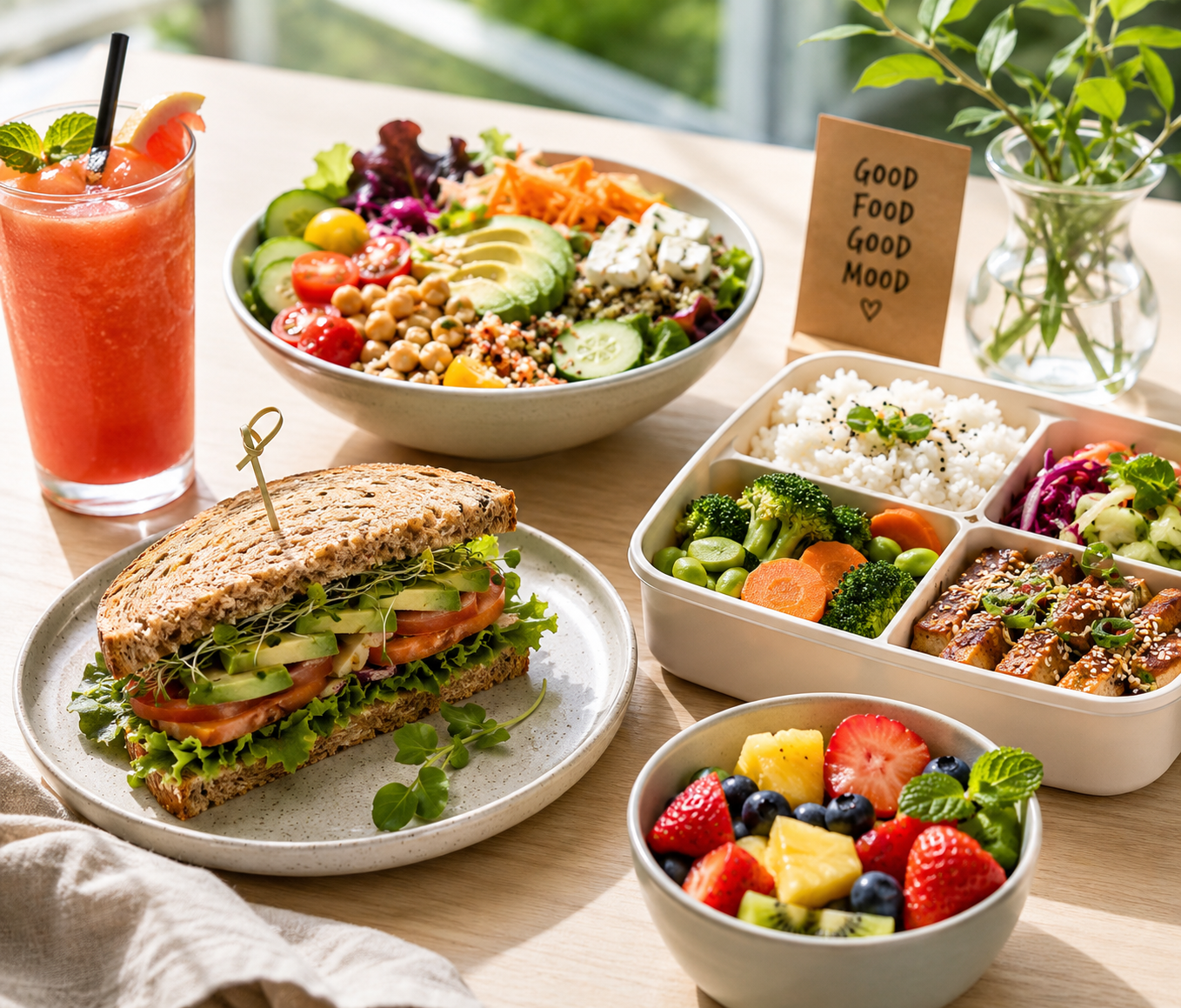
5-Minute Lunch Decision Guide:
-
15 min: Grab something quick
-
30 min: Sit down or delivery
-
1 hour+: Try something new
-
Balance protein, carbs, and veggies
Lunch Picker FAQ
How does the Lunch Picker work?
Two ways to decide. Spin the wheel for an instant random pick, or answer a few quick questions and our AI picks one lunch that truly fits - with a recipe to cook or a way to order it now.
Is this a random lunch generator?
Yes! The wheel is a classic random lunch generator - spin and get an answer in one tap. The AI mode is the smarter version that weighs your craving, setting, budget, and diet, then returns one top pick plus backup ideas.
I only have 30 minutes for lunch. Can this help me decide what to eat for lunch?
Absolutely. If you're stuck on what to eat for lunch, just answer a few quick questions and the AI gives you an instant, realistic pick - portable and quick for the office, or fast to make at home. No more wasting your precious lunch break deciding what to eat.
Can I tell the AI my diet or allergies?
Absolutely. Pick a diet like vegetarian, vegan, or gluten-free, and type any allergies in the notes box. The AI will only suggest lunch ideas you can actually eat - it treats dietary restrictions as a hard rule, not a suggestion.
What if I don't like the result?
No problem. Tap "Another Pick" for a fresh AI suggestion in one tap, or "Change Answers" to tweak your choices. Every result comes with backup ideas, so you always have options.
Do I get a recipe or a way to order my lunch?
Both! After the AI picks your lunch, choose "View Recipe" to cook it at home, or "Order Near Me" for a Google search to find it nearby. It removes the last step between deciding what to eat for lunch and actually eating it.
How the Lunch Picker Helps You Eat Better
Lunch breaks are short —you shouldn't spend half of them deciding what to eat. The Lunch Picker is designed for speed: spin the wheel for an instant random pick, or answer a few questions and let the AI find a dish that matches your situation.
Two Ways to Pick Lunch
Spin the Wheel: Load the wheel with lunch options —salads, sandwiches, bowls, wraps, leftovers, whatever you typically eat midday. One tap and the wheel decides. It's perfect for office workers, students, and anyone who wants to stop wasting lunch break time on delivery app scrolling.
AI Pick: Answer questions about where you're eating (office, home, on the go), your budget, dietary needs, and what you're craving. The AI recommends a specific dish with a recipe link and nearby restaurant options.
Lunch Decision Fatigue Is Real
Studies show that the average person spends 15-20 minutes per day deciding what to eat. That adds up to over 100 hours a year —time you could spend actually eating, relaxing, or getting back to work. The Lunch Picker eliminates that decision time entirely. Just spin, pick, and eat.
Make Your Lunch Wheel More Useful
- Use regional presets: Our built-in presets let you load cuisines from around the world —Chinese, Japanese, Italian, Mexican, and more.
- Add your go-to lunches: Custom wheel options let you include your actual favorites, not just generic suggestions.
- Filter by diet: Use presets for vegan, gluten-free, keto, or budget-friendly meals.
- Try the Food Quiz: For a more personalized recommendation, take our Food Quiz.
Related Lunch Tools
Need more lunch inspiration? Check out our Random Meal Generator for breakfast, lunch, and dinner ideas, or try the Snack Picker for mid-afternoon cravings.